
Professional boot & storage tools

Boot Disc Engineering Suite

A native Apple workspace for installation media, image libraries, network delivery and professional storage workflows.

All products

Overview

About Boot Disc Engineering Suite

Boot Disc Engineering Suite brings media management and deployment preparation into one professional product family. Boot Disc is the sandboxed edition being developed for the App Store. Boot Disc Pro is the direct-distribution macOS edition for operations that need administrator authority, including physical disk writing, partition changes and PXE discovery. Both editions share the same design language; their hardware authority is deliberately different.

For IT engineers, deployment technicians and lab operators who need clear targets, reproducible media preparation and useful technical logs—not a one-click promise that every image boots everywhere.
Features

Designed around the real workflow.

  • Local ISO and IMG collections with remote-source history
  • Selected-file export and mounted USB volume inspection
  • Foreground HTTP image delivery with byte-range resume
  • Pro: Windows and supported Linux USB preparation
  • Pro: raw image writing, readback verification and partition tools
  • macOS optical workflow under hardware validation

One library, not disconnected tools

Organize local ISO and IMG files into collections, retain remote-source history and select the image for the next workflow. The sandboxed edition keeps ordinary file export and explicitly approved mounted-volume access separate from whole-device writing.

Two editions with an honest hardware boundary

Boot Disc keeps the native interface while using sandboxed file access and foreground network delivery. Boot Disc Pro adds the macOS engineering operations that require administrator authority. An App Store upgrade does not silently grant root access; Pro is a separately distributed application.

Network delivery that can be checked

The sandboxed macOS HTTP service serves a deliberately selected image and JSON catalogue on a trusted LAN, with GET, HEAD and single byte ranges. Full-size transfers, concurrent downloads and resume after interruption have passed integrity checks. This service is not a DHCP or TFTP server. Pro provides the separate PXE workflow.

Choose the right operation for the image

A raw disk image and a Windows installation ISO are different inputs. Pro separates raw IMG writing from content-aware ISO preparation and optical burning. Boot compatibility depends on the selected image, CPU architecture, target firmware and drivers; the suite does not promise a universal loader for every operating system.

Visible verification and explicit progress

Preparation, write and verification are distinct stages. Supported Pro writers use integrity checks and readback verification, while selected-file exports stay within user-approved destinations. Logs identify the operation and its scope. Mounted-volume capacity is an estimate supplied by macOS, not an exact file-by-file usage audit.

Editions

Same professional workspace.
Different hardware authority.

Planned App Store edition

Boot Disc

For iPhone, iPad and Mac. A sandboxed media workspace with file management, remote sources and deliberate foreground network delivery. macOS mounted-volume inspection uses public APIs and user-approved file access.

In development. Not yet approved or available on the App Store. Physical iPhone, iPad and additional Mac acceptance gates remain.

Direct-distribution edition

Boot Disc Pro

For Mac engineering work that requires physical disk authority: supported bootable-USB preparation, raw image writing, partition operations and the separate PXE service. Administrator authorization is explicit.

In development. Public release, licensing and pricing will be announced separately. No purchase or download is offered here yet.

Development scope of Boot Disc and Boot Disc Pro
WorkflowBoot DiscBoot Disc Pro
Local & remote media libraryIncluded in current development buildIncluded
File export & mounted-volume inspectionUser-selected files and volumesIncluded
HTTP catalogue & image servingForeground service · trusted LANIncluded
Raw device writing & partition changesNot includedAdministrator-authorized macOS workflow
PXE discovery / DHCP / TFTPNot includedSeparate Pro network service
Optical burn / verify / RW erasemacOS candidate · hardware test pendingmacOS workflow · media compatibility applies
Broad ISO multiboot builderNot releasedIn development · not released

Engineering catalogue

From source image to deployment.

Each workspace keeps its operation and compatibility boundary visible. Availability differs by edition and platform; development features are identified below.

01

Media Library

Boot Disc & Pro

ISO and IMG collections, local imports, remote sources and remembered download history. Keep the source and the selected operation together.

02

ISO & IMG workflows

File export · Pro device writing

Export selected media in Boot Disc. Pro adds content-aware installer preparation and raw image writing with readback verification. Copying an ISO file alone does not make a USB drive bootable.

03

Network Boot

HTTP delivery · Pro PXE

Foreground HTTP catalogue and image delivery in Boot Disc; DHCP/proxy discovery, TFTP and boot profiles belong to Pro. Use only a trusted, deliberately selected network.

04

Partition Tools

Inspection · Pro layout changes

Inspect mounted-volume names, filesystems and capacity estimates. Physical partition-table replacement and formatting remain separate, administrator-authorized Pro operations.

05

ISO Burner

macOS · validation in progress

The optical workflow covers compatible CD, DVD and Blu-ray writers, verification, eject and RW erase. The sandboxed public-API path is awaiting physical recorder acceptance; no iPhone or iPad optical support is claimed.

06

Boot preparation

Compatibility gates

Pro includes EFI-helper and boot-media workflows. Broad multiboot builder support and file-only sandboxed EFI preparation remain development work, not a released universal boot guarantee.

Product design

One visual language across the suite.

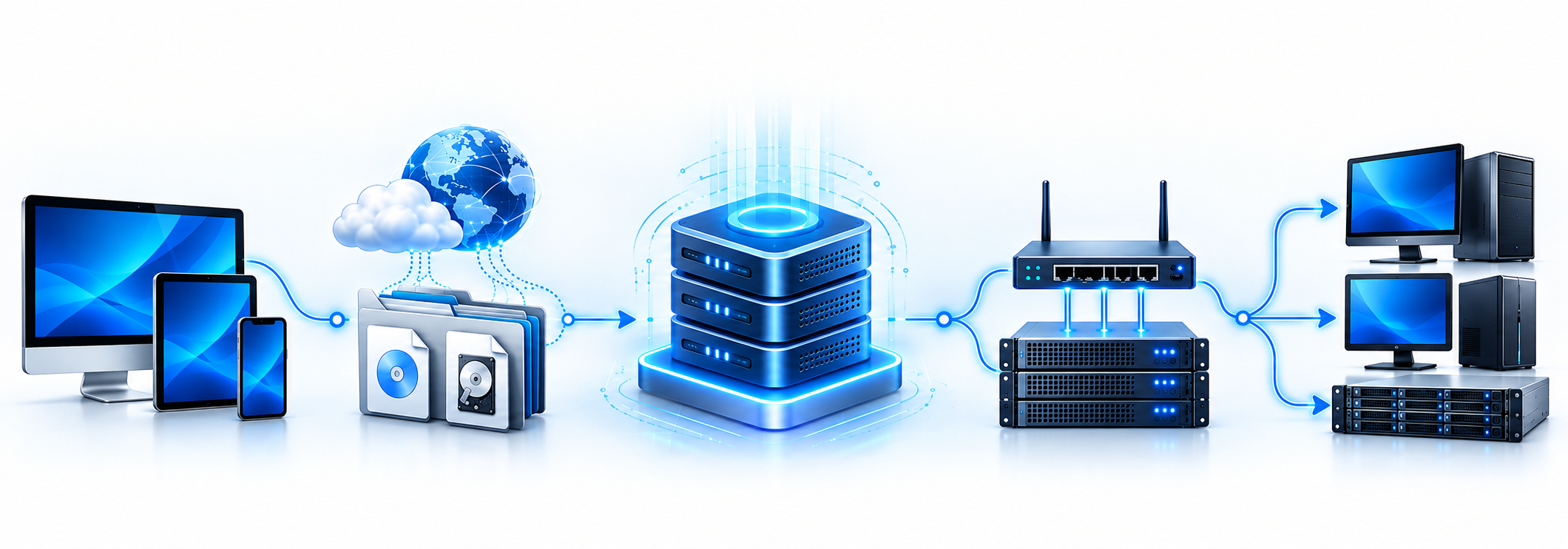
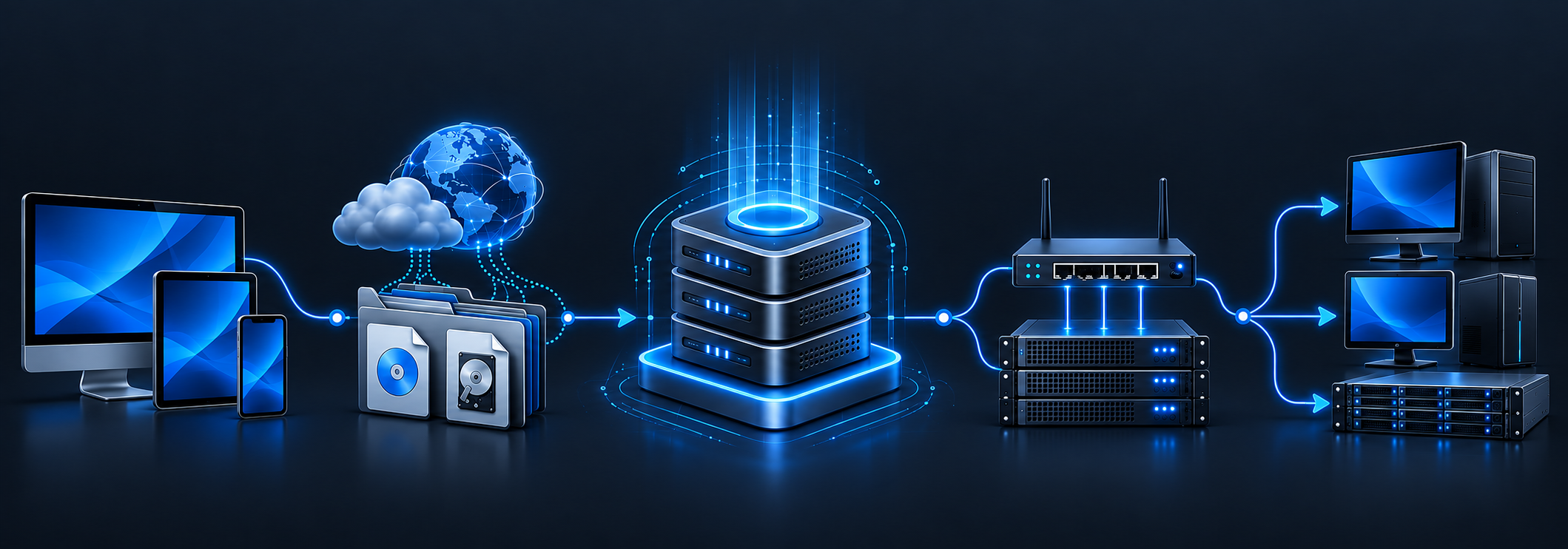
The approved Boot Disc artwork connects image libraries, storage and network delivery. Both editions retain the same professional design, with layouts adapted to their platforms. This is product artwork, not a screenshot or a claim of hardware support.

Boot Disc product artwork connecting Apple devices, image library, servers and network clients
Boot Disc Engineering Suite · approved product artwork

Platforms

Apple-native. Platform-aware.

Boot Disc targets iOS, iPadOS and native macOS for the App Store. Pro targets direct distribution on macOS. iPhone and iPad do not inherit macOS administrator tools, optical recording or raw-device writing. Direct iPhone-to-PC USB boot-device mode is unproven and is not offered as a supported feature.

BIOS, UEFI, Secure Boot and installer-driver compatibility must be validated for the actual image and target hardware. The current macOS sandboxed HTTP service has passed complete 2.93 GB image-integrity tests on BIOS and UEFI lab clients, plus concurrent download and interruption/resume checks. These tests establish file delivery, not universal OS boot support.

Manual

Make the target and result explicit.

A reliable deployment starts with the correct image, operation and hardware boundary.

  1. 1. Select a source

    Import a local image or use a remote source you trust. Check the operating system, architecture and image format before choosing a workflow.

  2. 2. Choose the operation, not just the filename

    Use file export for an ordinary copy, raw IMG writing for a supported disk image, content-aware ISO preparation for a supported installer, or optical burning for compatible disc media.

  3. 3. Review the exact target

    Confirm the selected volume or physical disk and what will change. File export is not partitioning. Pro disk-writing and layout operations can destroy existing data; back it up first.

  4. 4. Prepare, write and verify

    Follow the available stage progress and technical log. Keep the destination connected until completion and verification. A completed copy is not proof that target firmware will boot it.

  5. 5. Validate on the target machine

    Test the required BIOS or UEFI path, installer storage detection and network access. Record the image version and target configuration if the result differs.

  6. 6. Report a reproducible issue

    Send the edition, build, image filename, architecture, firmware mode and last relevant log lines. Remove passwords, private URLs, session tokens and device identifiers.

Protect data before a destructive operation

Formatting, partition changes and whole-device writes can erase the selected disk. Keep a separate backup, review the target and wait for verification before safe eject. HTTP image serving is unencrypted and should remain restricted to a trusted network.

Support

Need help with Boot Disc Engineering Suite?

Ask about compatibility, access, troubleshooting or workflow requirements.